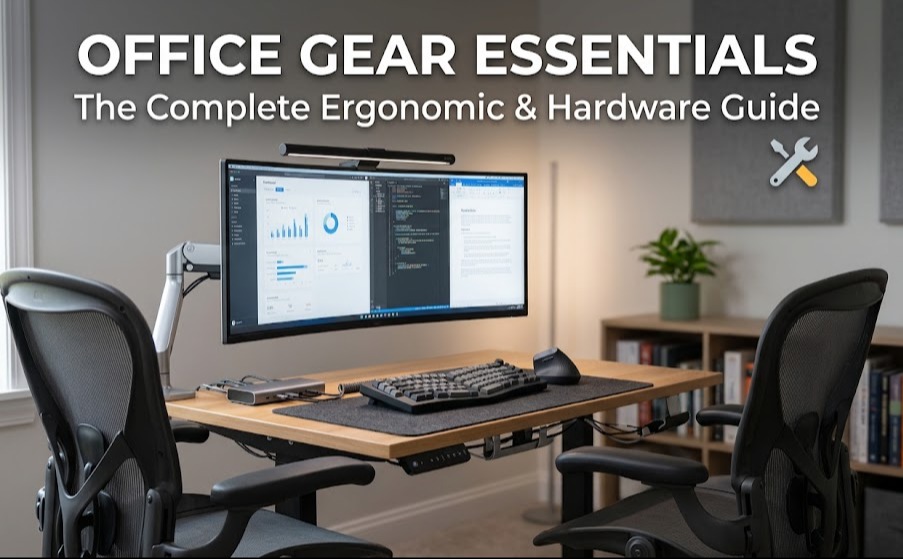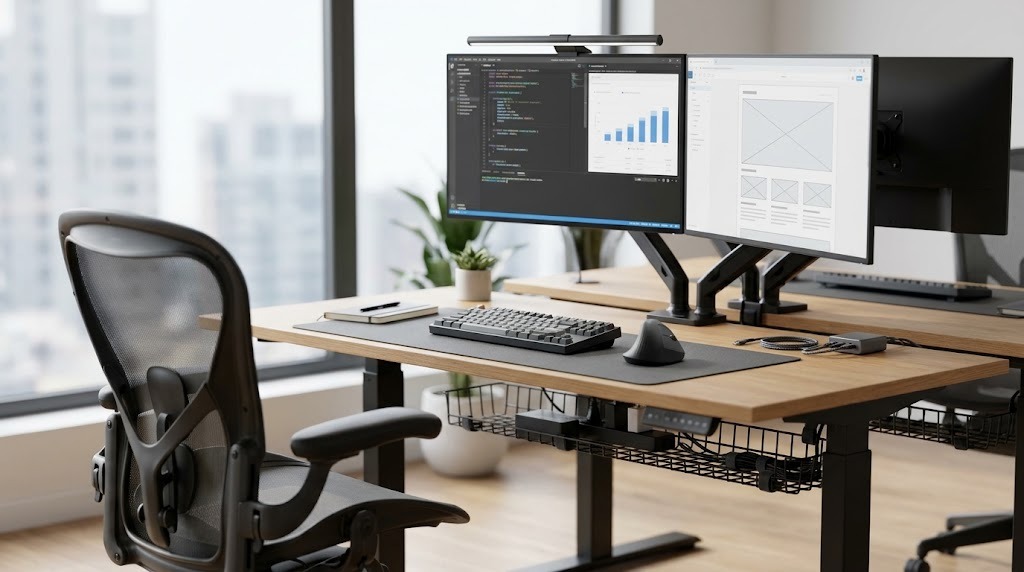
Office accessories for small desks are specialized, space-saving tools designed to maximize vertical storage, reduce clutter, and optimize limited workspace footprints typically under 48 inches wide. By shifting equipment off the primary desktop surface or consolidating multiple functions into a single device, these accessories maintain ergonomic comfort and workflow efficiency in cramped environments.
Key Facts / At a Glance
- Monitor arms free up 1 to 2 square feet of desktop space by eliminating bulky factory stands.
- Under-desk clearance requires a minimum of 25 inches in width to safely install most clamp-on keyboard trays.
- Small desk dimensions generally range from 36 to 48 inches wide and 18 to 24 inches deep.
- Clamping accessories require a desk lip of at least 1.5 to 3.5 inches and are unsuitable for hollow-core or glass surfaces without reinforcement.
- Vertical laptop stands reduce a standard 13-inch laptop’s footprint by up to 80%.
Our Top Picks
- Best for Vertical Real Estate: Articulating Monitor Arms (e.g., HUANUO Single Monitor Mount)
- Best for Ergonomic Typing: Clamp-On Keyboard Trays (e.g., VIVO MOUNT-KB05E)
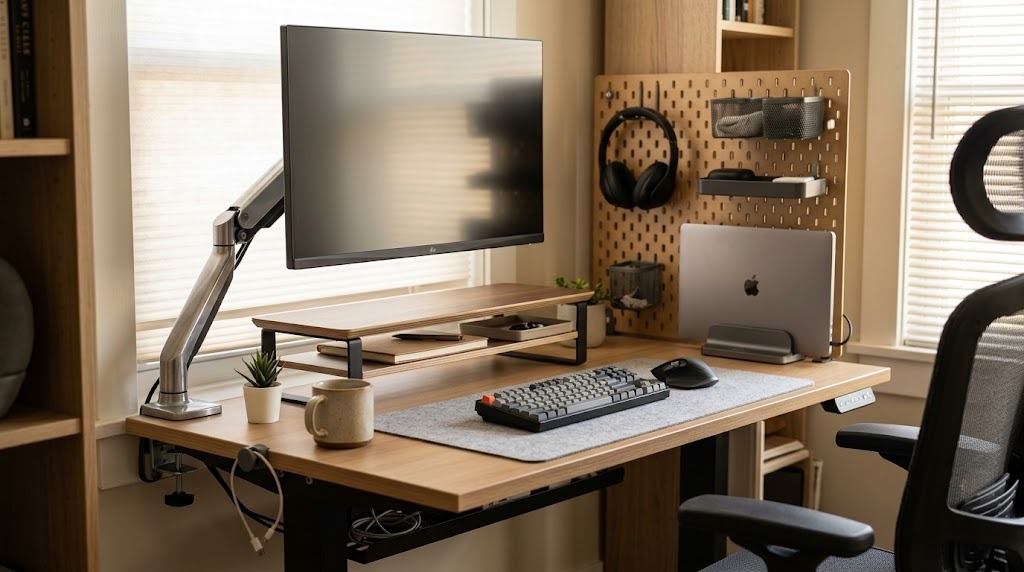
- Best for Analog Storage: Desktop Monitor Risers (e.g., Grovemade Wood Desk Shelf)
- Best for Modular Organization: Desk Pegboards (e.g., Oakywood Desk Pegboard)
How We Chose
Every accessory evaluated below was judged on three strict criteria: surface area saved (measured in square inches), ergonomic benefit (impact on posture and eye strain), and installation viability on standard apartment-grade furniture (focusing on non-destructive clamp and adhesive mounts).
1. Articulating Monitor Arms – Best for Vertical Real Estate
The single most effective space-saving accessory for a small desk is a mechanical monitor arm that clamps to the back edge of the workspace. Removing the factory monitor stand instantly reclaims the deepest part of your desk. The HUANUO Single Monitor Mount stands out as the standard for budget builds, offering a gas-spring articulating arm that clears your entire monitor footprint for under $40.
- Space Saved: 100–150 square inches.
- Key Specs: Fits screens up to 30 inches; holds up to 14.3 lbs; requires 1.5 to 3.5 inches of desk lip.
- Drawback: Heavy articulating arms place localized pressure on the desk edge. Clamping a heavy monitor arm onto a cheap particleboard or hollow-core desk can crack the desktop.
- Choose this if: You use an external monitor and have a solid wood or reinforced desk.
- Skip it if: Your desk sits perfectly flush against a wall you cannot move, or you work on a glass surface.
2. Clamp-On Keyboard Trays – Best for Ergonomic Typing
Clamp-on keyboard trays are retractable platforms hung beneath the desk surface. They push the most cumbersome peripherals—the keyboard and mouse—completely off the main surface while dropping your shoulders into a healthier typing posture. The VIVO Clamp-on Keyboard Tray (MOUNT-KB05E) provides smooth, slide-out expansion without ruining cheap apartment furniture with drill holes.
- Space Saved: 150–200 square inches.
- Key Specs: Drops 3 to 5 inches below the desk; requires a flat under-surface width of 25 to 30 inches; typically costs $40–$80.
- Drawback: Reduces legroom clearance. If your desk is lower than the standard 29 inches, a 4-inch drop tray will likely hit your knees.
- Choose this if: You need your entire desktop cleared for writing or drawing.
- Skip it if: Your desk has a reinforcing metal crossbar running along the front edge, which blocks the clamp mechanism.
3. Desktop Monitor Risers – Best for Analog Storage
Desktop monitor risers with drawers are small platforms that elevate your screen while providing structured cubbies underneath. The Grovemade Wood Desk Shelf elevates screens while adding a structured, multi-level storage grid underneath for notebooks, pens, and audio interfaces.
- Space Saved: Neutral (repurposes existing footprint into vertical layers).
- Key Specs: Typically 16 to 20 inches wide and 8 to 10 inches deep; premium models use heavy-duty steel and wood veneer.
- Drawback: Monitor risers consume physical desktop space permanently. Unlike a floating arm, you cannot push a riser out of the way.
- Choose this if: You have a lot of analog tools (pens, notebooks, calculators) that need to stay within arm’s reach.
- Skip it if: Your desk is less than 20 inches deep; a riser will push your keyboard too close to your torso.
4. Vertical Laptop Stands – Best for Multi-Screen Setups
Vertical laptop stands are weighted cradles that hold your laptop completely upright when operating in “clamshell” mode (closed and connected to an external monitor).
- Space Saved: 80–100 square inches.
- Key Specs: Adjustable width from 0.5 to 1.5 inches; usually made of milled aluminum; typical prices $20–$40.
- Drawback: You lose the use of the laptop’s built-in screen and keyboard.
- Choose this if: You strictly use your laptop as a processing tower for an external monitor and keyboard.
- Skip it if: You rely on your laptop’s screen as a secondary display.
5. Desk Pegboards – Best for Modular Organization
Desk pegboards are desk-clamped vertical panels with customizable hooks and baskets. The Oakywood Desk Pegboard clamps directly to the back of the desk to vertically store headphones, hard drives, and cables without drilling into drywall.
- Space Saved: 100+ square inches of small-item clutter.
- Key Specs: Extends 18 to 24 inches vertically above the desk surface; holds up to 10 lbs of peripherals.
- Drawback: Pegboards can block natural light from windows and feel visually overwhelming in a highly compact room.
- Choose this if: You use specialized, bulky gear like over-ear headphones, game controllers, and external hard drives.
- Skip it if: Your desk faces into the center of a room rather than a wall, as the exposed back of a pegboard is visually unappealing.
6. Multi-Functional Peripherals – Best for Eliminating Clutter
Multi-functional peripherals consolidate multiple standalone tools into one. A desk mat organizer serves as both a writing surface and a high-precision mousepad. Coupling this with a mouse engineered for tight spaces, such as the Logitech MX Anywhere 3S, removes the need for bulky, dedicated mousepads entirely because it tracks on any surface, including glass. For cables, the Anker Magnetic Cable Organizer acts as a small magnetic block that sticks anywhere to keep charging cords from slipping off the edge.
- Space Saved: Eliminates redundant mousepads and loose cable bundles.
- Key Specs: Common small desk mats are 24 x 12 inches.
- Drawback: Desk mats can trap heat under laptops if not properly ventilated, and magnetic cable organizers require metallic cable ends or included collars to function.
- Choose this if: You want a clean, minimalist aesthetic without bulky mounts.
- Skip it if: You are a competitive gamer who requires a specialized friction surface for your mouse.
Which Small Desk Accessories Should You Choose?
| Accessory Type | Surface Area Saved | Ergonomic Benefit | Installation Time | Pros | Cons |
| Monitor Arm | Maximum (approx. 1–2 sq ft) | High (perfect eye-level adjustments) | 15–30 minutes | Frees entire back of desk; highly adjustable | Requires a sturdy desk lip; expensive |
| Keyboard Tray | Maximum (saves keyboard footprint) | High (drops shoulders, reduces strain) | 15–20 minutes | Maximizes desktop writing space | Reduces legroom clearance under the desk |
| Vertical Laptop Stand | High (approx. 80 sq inches) | Neutral | 1 minute | Extremely cheap; zero installation | Disables laptop screen use |
| Under-Desk Drawer | Medium (clears small items) | Neutral | 5–10 minutes | Invisible storage; out of sight | Can hit your knees if positioned poorly |
| Desk Pegboard | Medium (vertical storage) | Low | 10–15 minutes | Zero wall damage; customizable | Can block light or feel overwhelming |
How Do You Set Up a Small Desk for Maximum Productivity?
Optimizing a tight workspace requires a systematic approach to ensure you don’t over-clutter the area with too many organizational gadgets. The fundamental principle of optimizing a small desk is vertical expansion and footprint reduction.
- Clear and Measure: Remove absolutely everything from your desk. Measure the exact width, depth, and desktop thickness. A thickness measurement is crucial for clamp-on accessories, which generally require a desk to be less than 2.5 inches thick.
- Mount the Primary Display: Elevate your primary monitor or laptop first. This instantly frees up the largest single block of desktop real estate and establishes your focal point.
- Route the Cables: Install under-desk cable management trays or J-channels before placing smaller items. Loose cords waste physical space, restrict peripheral movement, and create severe visual clutter.
- Establish “Zones”: Keep the primary zone (arm’s reach) completely clear for your keyboard, mouse, and immediate paperwork. Place secondary items (storage, chargers) in the periphery or vertically mounted.
- Audit Weekly: Small desks accumulate clutter quickly. Spend 5 minutes every Friday purging coffee cups, mail, and hardware that don’t belong on the surface.
What Are Common Small Desk Mistakes and How Do You Fix Them?
Even with the right gear, poor execution can make a small desk feel claustrophobic or physically uncomfortable. Over-buying accessories is the most common error; buying too many organizational tools paradoxically creates more visual weight than the items they organize.
- Monitor Arm Wobbles: If your screen shakes when you type, ensure the clamp is completely flush against the desk bottom. If the desktop is too thin (under 0.5 inches), insert a small solid wooden block between the bottom plate and the desk to distribute the pressure safely.
- Keyboard Tray Hits Knees: If the tray restricts your legs, re-position the tray slightly further to the left or right. If that fails, adjust your chair height upward and use an ergonomic footrest to maintain a 90-degree knee angle.
- Adhesive Accessories Falling Off: Hanging sliding drawers often fail due to poor surface preparation. Clean the underside of the desk thoroughly with rubbing alcohol before applying. Let the adhesive cure for a full 24 hours before placing any weight inside the drawer.
- Blocked Depth Clearance: Buying an under-desk drawer or keyboard tray without checking your desk framework usually leads to blocked installations. Always check beneath your desk for reinforcing metal bars or structural skirts that sit flush with the desk edge.
Frequently Asked Questions
How deep should a small desk be for a monitor?
A small desk should be at least 20 to 24 inches deep to comfortably accommodate a monitor. If the desk is shallower than 20 inches, the screen will sit too close to your eyes, increasing ocular strain. Using a monitor arm can push the screen slightly further back to compensate.
Can I use a monitor arm on a glass desk?
You should not clamp a standard monitor arm directly onto a glass desk. The concentrated pressure from the C-clamp will shatter the tempered glass. If you must use one, you need a specialized glass desk mount or large steel reinforcement plates to distribute the clamping force over a wider area.
What is the best lighting for a small desk?
Monitor light bars are the best lighting solution for small desks. They clip directly onto the top bezel of your monitor and cast light downward onto your keyboard and paperwork, completely eliminating the need for a bulky desk lamp that consumes valuable surface area.
How do I manage cables on a desk with metal legs?
For desks with metal legs, use magnetic cable channels or black zip-ties to route cables tightly down the back of the leg. By hiding the main power strip in an under-desk tray and routing a single master cable down the leg, you keep the floor underneath the small desk entirely clear.
Ultimately, the best office accessories for small desks are those that push equipment out of your immediate physical workspace. Prioritize elevating your screen and clearing your keyboard before spending money on minor organizational bins.