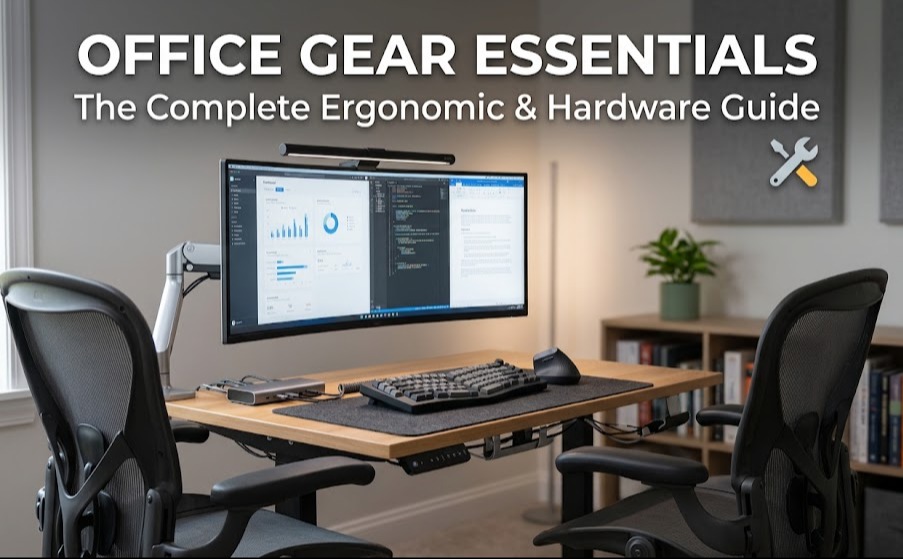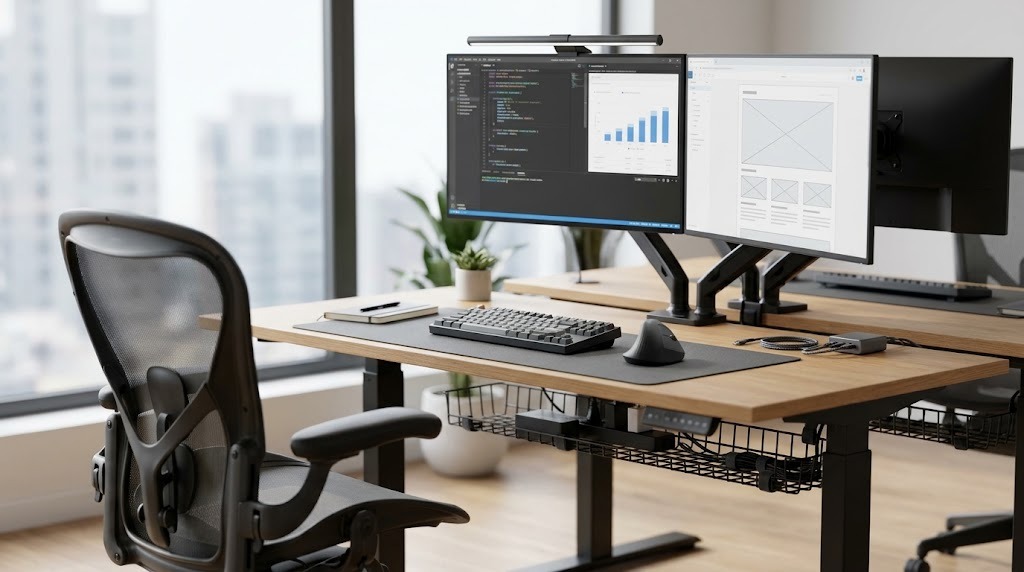
Desk accessories are functional hardware and organizational tools designed to optimize a workspace by systematically managing physical items, enhancing ergonomic alignment, and reducing cognitive load. They encompass storage caddies, monitor risers, surface protectors, and cable management systems that transform chaotic surfaces into high-performance professional environments.
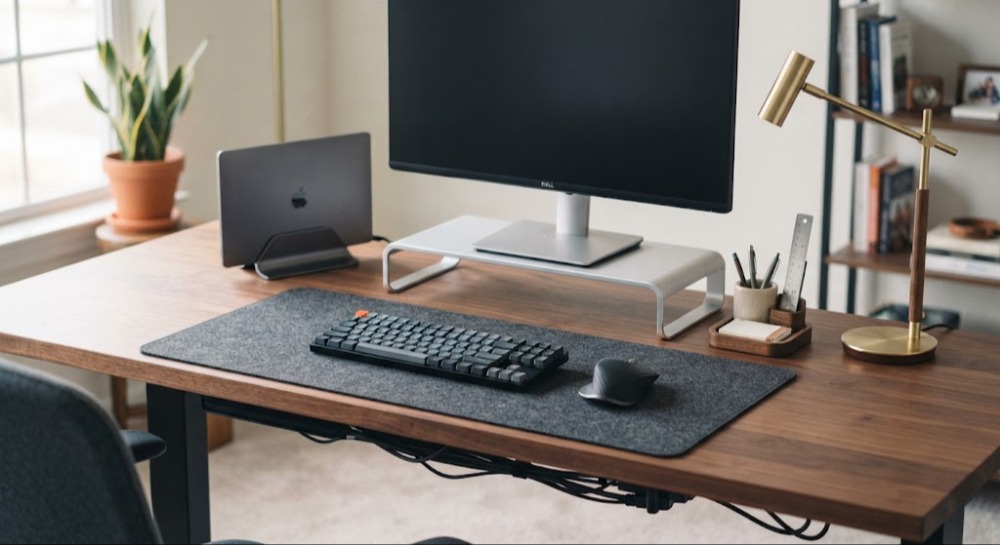
At a Glance: Key Facts
- Primary Function: Systematic reduction of visual clutter and mitigation of repetitive strain injuries (RSI).
- Core Categories: Storage & Organization, Ergonomics & Comfort, Surface Protection & Utility.
- Setup Principle: Adheres to zone-based ergonomics (Primary Zone within arm’s reach; Secondary Zone for occasional items).
- Material Ecosystems: Spans anodized aluminum, full-grain leather, merino wool felt, and molded polymers.
What Are Desk Accessories and How Do They Work?
Desk accessories function by imposing structural order on the physical workspace, directly influencing cognitive performance and physical ergonomics. Operating from the premise of attention residue theory, physical disarray on a desk surface fragments human focus as the visual cortex continually processes extraneous stimuli. By establishing designated spatial domains for every physical artifact—from writing instruments to auxiliary displays—desk accessories eliminate decision fatigue associated with searching for tools. Ergonomic accessories simultaneously enforce neutral musculoskeletal postures, reducing cervical spine flexion and preventing chronic occupational injuries like carpal tunnel syndrome.
How Do You Execute a Professional Workspace Setup?
Executing an optimal workspace setup requires a methodical, sequential approach that prioritizes structural ergonomics before introducing loose aesthetic items.
- Purge the surface. Clear every item off the desk completely down to the bare desktop to audit what tools actually support daily workflows.
- Position ergonomics first. Anchor heavy, fixed hardware like monitor arms, laptop stands, and primary displays to align the top third of the screen at eye level.
- Zone your layout. Designate the Primary Zone (within a comfortable 12-to-15-inch arc from the body) strictly for the mouse, keyboard, and immediate notepad. Allocate the Secondary Zone (full arm extension) for reference materials and task lamps.
- Group analog tools. Consolidate writing utensils, paperclips, and sticky notes into weighted desktop caddies or shallow drawer dividers located in the secondary zone.
- Route the cables. Anchor all power and data cords using under-desk cable trays and magnetic surface clips to eliminate gravity-fed cord drag and surface clutter.
What Are the Main Categories and Specifications of Desk Accessories?
Desk accessories divide into three functional categories, each targeting a specific aspect of workspace efficiency.
Organization and Storage
Storage tools establish physical boundaries for loose office supplies, preventing desktop creep.
- Desk Organizers & Caddies: Constructed from acrylic, steel wire mesh, or solid wood, these compartmentalized structures hold pens, notifiers, and peripherals. Typical price: $\$15$ – $\$40$.
- Document Trays: Vertical or horizontal stacked shelves manufactured from molded plastic or bamboo, used for sorting active paper briefs. Typical price: $\$20$ – $\$50$.
- Drawer Dividers: Adjustable plastic, bamboo, or felt-lined interlocking inserts designed to segment shallow under-desk drawers. Typical price: $\$10$ – $\$30$.
Ergonomics and Comfort
Ergonomic accessories mitigate physical strain during extended computer work sessions.
- Monitor Stands & Arms: Articulated mechanical gas-spring or pole-mounted brackets that elevate screens to eye level, freeing up valuable desk footprint. Typical price: $\$30$ – $\$150$; weight capacity ranges typically from $4.4\text{ lbs}$ to $19.8\text{ lbs}$ per arm.
- Laptop Risers: Angled aluminum or steel frames that promote better cervical posture and improve laptop thermal dissipation. Typical price: $\$20$ – $\$60$.
- Wrist Rests: High-density memory foam or medical-grade gel cushions wrapped in Lycra or leatherette for keyboards and mice. Typical price: $\$15$ – $\$35$.
Surface Protection and Utility
Surface utilities protect desktop finishes while managing environmental factors like lighting and cord tangles.
- Desk Pads & Mats: Oversized sheets made of full-grain leather, wool felt, or cork that cushion wrists, protect wood veneers from scratches, and provide consistent optical mouse tracking. Typical price: $\$20$ – $\$70$.
- Cable Management Systems: Under-desk metal wire trays, articulated plastic spine routes, and adhesive magnetic clips that secure power bricks and charging cables. Typical price: $\$15$ – $\$45$.
- Desk Lamps: Adjustable LED task lamps featuring adjustable color temperature controls ($2700\text{K}$ to $6500\text{K}$) and variable lumen output. Typical price: $\$25$ – $\$100$.
How Do Different Desk Accessory Materials Compare?
Material selection dictates the durability, aesthetic weight, acoustic footprint, and maintenance requirements of a desktop ecosystem.
| Material | Durability & Stability | Maintenance & Care | Acoustic Performance | Typical Cost Tier |
| Aluminum / Metal | Exceptional durability; high weight capacity; resists impact. | Low maintenance; wipe with damp microfiber cloth. | Reflects sound; can create metallic clatter if unpadded. | Mid to High ($\$40$ – $\$150$) |
| Full-Grain Leather | Highly durable; patinas and matures gracefully with age. | Requires biannual conditioning with leather balm or saddle soap. | Neutral sound absorption. | High to Premium ($\$60$ – $\$180$) |
| Felt / Wool | Moderate longevity; dense structural weave resists tearing. | Traps dust and pet hair; requires lint rolling and fabric shaving. | Superior acoustic dampening (absorbs high-frequency clatter). | Budget to Mid ($\$25$ – $\$60$) |
| Molded Plastic | Susceptible to UV yellowing and brittleness over time. | Low maintenance; soap and water wash-safe. | Neutral sound profile; lightweight and prone to sliding. | Low ($\$10$ – $\$25$) |
What Are Common Workspace Mistakes and How Do You Troubleshoot Them?
Workspace setups frequently fail when aesthetics override mechanics or when hardware is improperly installed.
- Over-indexing on aesthetics: Purchasing visually striking accessories (such as unlined brass trays or minimalist wire stands) that lack functional utility or scratch delicate desk surfaces.
- Ignoring scale: Procuring an oversized desk pad ($36\times18\text{ inches}$) for a compact $40$-inch desk, crowding out mouse movement space.
- Creating organizer clutter: Buying multiple organizational caddies to fix a clutter problem that actually requires purging unused items.
Troubleshooting Common Hardware Issues
- Slipping desk pads: If a leather or felt mat slides during intensive typing, place a thin silicone or rubber mesh shelf liner directly underneath the mat to lock it into position.
- Drooping monitor arms: Locate the tension adjustment screw (typically a hex socket located inside the articulated elbow joint) and turn it clockwise using an Allen wrench to increase internal spring tension until the screen holds its vertical position.
- Felt mat pilling: Over time, friction from wrists can cause merino wool felt to pill. Use a fabric shaver or a standard safety razor blade held at a shallow angle to gently shear away surface fuzz without cutting the base weave.
Frequently Asked Questions
What are the essential desk accessories for remote work?
Essential remote work desk accessories include an adjustable laptop riser or monitor arm to correct eye-level alignment, an oversized desk pad to anchor peripherals, an external mechanical keyboard and ergonomic mouse, and a dedicated under-desk cable management tray to corral power adapters. These tools collectively reduce physical fatigue and maintain a clean separation between work and home environments.
How do I stop my desk pad from sliding around?
Desk pads slide because smooth desktop surfaces lack friction against leather, felt, or cork backings. You can fix this immediately by applying non-slip silicone bumper dots to the corners of the underside, or by laying a cheap rubberized mesh shelf liner underneath the entire footprint of the mat.
Are monitor arms better than standard monitor stands?
Monitor arms are functionally superior to standard factory stands because they reclaim up to $40\%$ of usable desk surface area, offer infinite height and depth articulation, and allow precise ergonomic alignment that fixed-height stands cannot match. However, they require a sturdy desktop material like solid wood or thick MDF to support the clamping pressure.
How much should I budget for a quality desk accessory setup?
A comprehensive, high-quality desk accessory setup typically costs between $\$100$ and $\$300$. This budget covers a durable felt or leather desk pad ($\$40$), an aluminum laptop stand or monitor arm ($\$50$), a modular cable management tray ($\$25$), and basic organizational caddies ($\$30$), balancing longevity, ergonomics, and professional aesthetics.
How do I clean and maintain a wool felt desk pad?
Clean a merino wool felt desk pad by regularly shaking it out, vacuuming it with a brush attachment on low suction to remove trapped dust, and using a lint roller for surface debris. For localized stains, spot-clean using cold water and mild wool detergent, blotting gently without rubbing to prevent fiber distortion.